



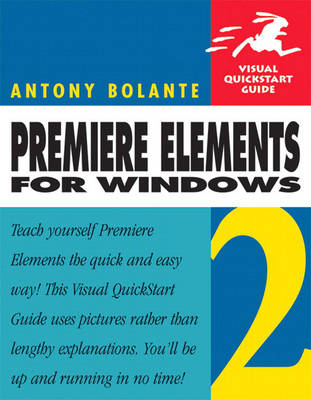
Premiere Elements 2 for Windows: Visual QuickStart Guide
Synopsis
Premiere Elements is geared to newbie filmmakers and hobbyists, students, business users, and home users who want professional-looking videos, but don't want or need the advanced power of classic Adobe Premiere Pro. With Premiere Elements 2 for Windows: Visual QuickStart Guide, readers can start from the beginning to get a tour of the software, or look up specific tasks to learn just what they need to know. This task-based, visual reference guide uses step-by-step instructions and plenty of screenshots to show readers how to start a project; capture and import video; work with clips and the timeline; add transitions, titles, and effects; and output finished video to DVD. Newly updated to cover Premiere Elements 2, it details the hottest new features, including the new customizable DVD menu templates, the Storyboard View, Effect Thumbnails and Preview, Docking Workspaces, and more! In addition to offering hundreds of eye-catching effects and transitions, Premiere Elements 2 can automatically transfer footage from DV camcorders, digital cameras, and even digital cell phones, directly into the timeline and automatically readjust clips during editing.
Both beginning users, who want a thorough introduction to the technology, and more advanced users, who are looking for a convenient reference, will find what they need here - in straightforward language and through readily accessible examples.
Publisher information
- Publisher: Pearson Education (US)
- ISBN: 9780321383556
- Dimensions: 228 x 179 x 23 mm
- Weight: 662g
Customer Reviews
You may also like...